.course_plane
.course_xq {
    position:absolute;
    left:0;
    top:125px;
    height:100%;
    width:100%;
    background:rgba(255,255,255,.9);
    color:#434343;
    -webkit-transition:.3s;
    -moz-transition:.3s;
    transition:.3s
}

.course_plane:hover
.course_xq {
    position:absolute;
    top:0
}

/** 此动画 是 鼠标放上去后,标题栏目 自动上滑
    显示详细信息  鼠标移开 标题栏目自动下滑
    可以参考    中的一个动画
**/


.content_left {
    width:218px;
    height:360px;
    padding-left:25px;
    padding-right:25px;
    box-sizing:border-box;
    float:left;
    background:url(http://p10.ucai.cn/static//i3/fullstack/indexv6/php.png) no-repeat;
    background-size:cover;
    position:relative;
    overflow:hidden;
    box-shadow:0 5px 10px rgba(0,0,0,.1)
}
.content_left em {
    position:absolute;
    display:block;
    width:35px;
    height:360px;
    background:#fff;
    top:0;
    left: -190px;
    -webkit-transform:skewY(35deg);
    -moz-transform:skewX(-35deg);
    transform:skewX(-35deg);
    background:-moz-linear-gradient(0deg, rgba(255, 255, 255, 0), rgba(255, 255, 255, 0.4), rgba(255, 255, 255, 0));
    background:-webkit-linear-gradient(0deg, rgba(255, 255, 255, 0), rgba(255, 255, 255, 0.4), rgba(255, 255, 255, 0));
    background:linear-gradient(0deg, rgba(255, 255, 255, 0), rgba(255, 255, 255, 0.4), rgba(255, 255, 255, 0))
}
.content_left:hover em {
    left:320px;
    -webkit-transition:all 0.6s ease;
    -moz-transition:all 0.6s ease;
    transition:all 0.6s ease
}

/**
    底部一个背景图片,鼠标放上去的时候,有一条45deg的斜线从左上角到右下角的一个移动。
**/


图片黑白
-webkit-filter: grayscale(1);
filter: grayscale(1);
取值范围  1 和 0


.mouseover(function(){
    $(".wrapbg").css({
        "opacity": 0,
        "z-index": -1
    });
})
.mouseout()

当通过  js 操作此类 或div的时候  transition 会起作用


.wrapbg {
    position:absolute;
    z-index:2;
    height:392px;
    text-align:center;
    font-size:36px;
    width:100%;
    background:#38ecaf;
    background: -webkit-linear-gradient(left top,rgba(56, 236, 175, .9) 0%,rgba(70, 226, 232, .7) 100%);
    background: -moz-linear-gradient(left top,rgba(56, 236, 175, .9) 0%,rgba(70, 226, 232, .7) 100%);
    background:linear-gradient(left top,rgba(56, 236, 175, .9) 0%,rgba(70, 226, 232, .7) 100%);
    -webkit-transition:.5s;
    transition:.5s
}


/**上下动画**/
.res span{

    background-image:url("../img.jpg");
    background-position:-24px 40px;
    transition:0.2s
}
.res:hover span{
    background-position:-48px 40px;
}


/**判断屏幕尺寸的大小**/
@media screen and (min-width: 1200px) and (max-width: 1300px) {
    .mask_pic8 {
        position:absolute;
        left:-196px !important
    }
    .pic_jl,.pic_wx {
        position:absolute;
        left:196px !important
    }
    .prev {
        left:23.15%
    }
    .next {
        right:5%
    }
}
@media screen and (min-width: 1280px) and (max-width: 1400px) {
    .prev {
        left:24.95%
    }
    .next {
        right:8%
    }
}
@media screen and (max-width:1200px) {
    .tlips_lengend
span {
        font-size:18px
    }
    .tlips_lengend {
        width:120px
    }
    .infor_group li
.tlips {
        padding-left:10px
    }
    .tlips_lengend span+i {
        display:none
    }
    #Nav
.container {
        width:1025px
    }
}
<html>
<head>
<style type="text/css">
.f{
border:1px solid #ccc;
height:320px;
width:280px;
background:fff;
position:relative;
}
.f .t{
position:absolute;
height:0px;
left:0px;
top:50%;
opacity:.9;
width:280px;
overflow:hidden;
background:-moz-linear-gradient(left top,#38eeaf,#46e2e8);
transition:0.3s;
}
.f:hover .t{
top:0px;
height:320px;
}
</style>
</head>
<body>
<div class="f">
<div class="t">
sadf
</div>
</div>
</body>
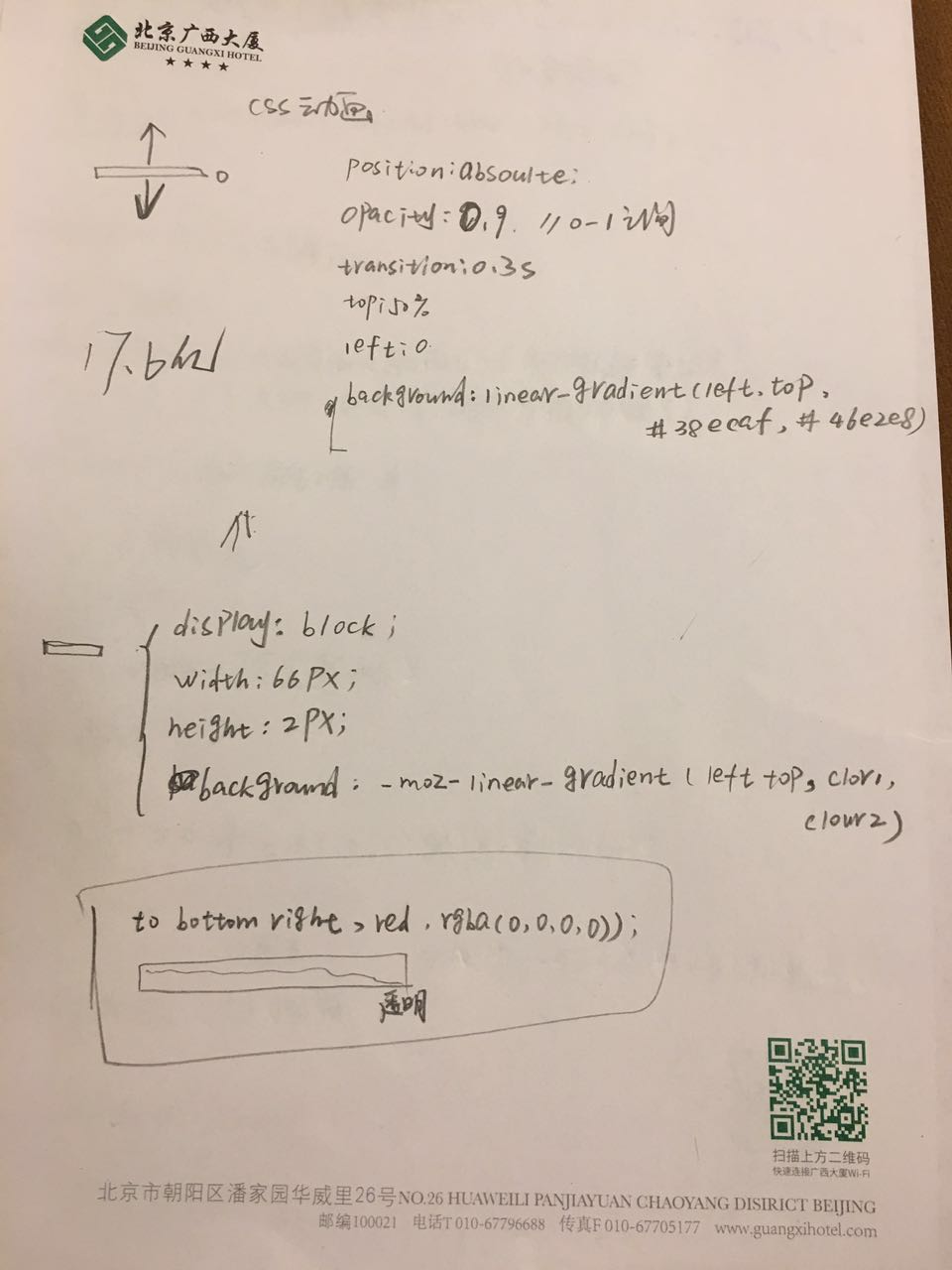
</html>以上是我做的一个案例。 鼠标放上去 弹出一个div 显示介绍,鼠标移开后隐藏div 动画效果上下滑动
重要的使用了 transition
http://www.ucai.cn/index