拖拽分好几种:
事件拖拽
containerParent 默认 在哪个容器中拖动
可以指定,并限制
//song("#jj").drag();//获取的这个元素在任何位置都可以移动
//song("#jj").drag("#person");//随便移动 鼠标放在 person 这上面才能移动
//song("#jj").drag("#person",0);//不能移出屏幕
//song("#jj").drag("#person",1);//随便移动
//song("#jj").drag("#person",1,"#parent"); //只能在parent 这个框中移动
//song(".jj").drag(".person");//获取的这个元素在任何位置都可以移动
//song("#song").drag(".person",0);//获取的这个元素在任何位置都可以移动
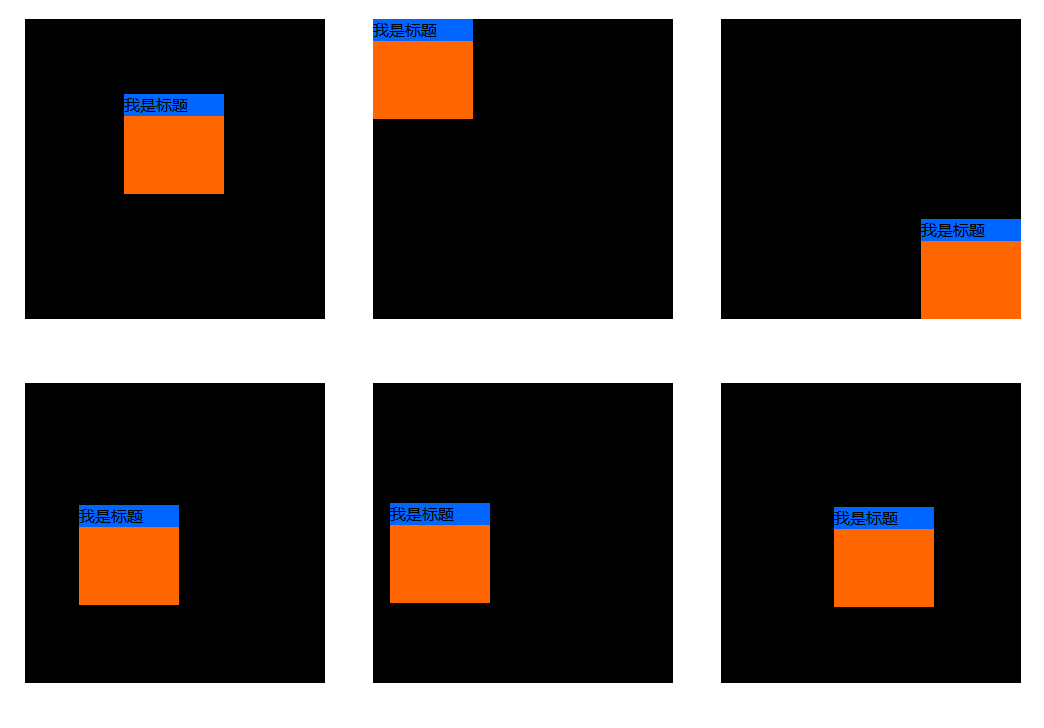
<!DOCTYPE html>
<html>
<head>
    <meta charset="utf-8">
    <title></title>
    <style type="text/css">
        *{margin:0px;padding:0px;}
        #jj{
            width:100px;
            height:100px;
            left:100px;
            top:100px;
            position: absolute;
            background: #f60;
        }
        #parent{
            width:300px;
            height:300px;
            left:50px;
            top:50px;
            position: relative;
            background: #000;
        }
    </style>
    <script type="text/javascript" src="js/base.js"></script>
    <script type="text/javascript">
            window.onload=function(){


                song("#jj").drag("#person",1,"#parent"); //只能在parent 这个框中移动

            }
    </script>
</head>
<body>
    <input type="button" id="btn" value="按">
    <input type="button" id="bs" value="运动">
    <div id="parent">
        <div id="jj">
            <p id="person" style="background:#06f;">我是标题</p>
        </div>
    </div>
<br>
<br>
<br>
<br>
<br>
<br>
<br>
<br>
<br>
<br>
<br>
<br>
</body>
</html>