一、通过composer下载laravel框架
composer create-project --prefer-dist laravel/laravel laravel-pdf
cd laravel-pdf
安装依赖
yum install libXrender*
yum install libssl*
yum install libXext*
yum  install libfontconfig*
二、新增barryvdh/laravel-snappy 、h4cc/wkhtmltoimage-amd64、h4cc/wkhtmltopdf-amd64 包文件
"barryvdh/laravel-snappy": "^0.4.6",
"h4cc/wkhtmltoimage-amd64": "0.12.x",
"h4cc/wkhtmltopdf-amd64": "0.12.x",
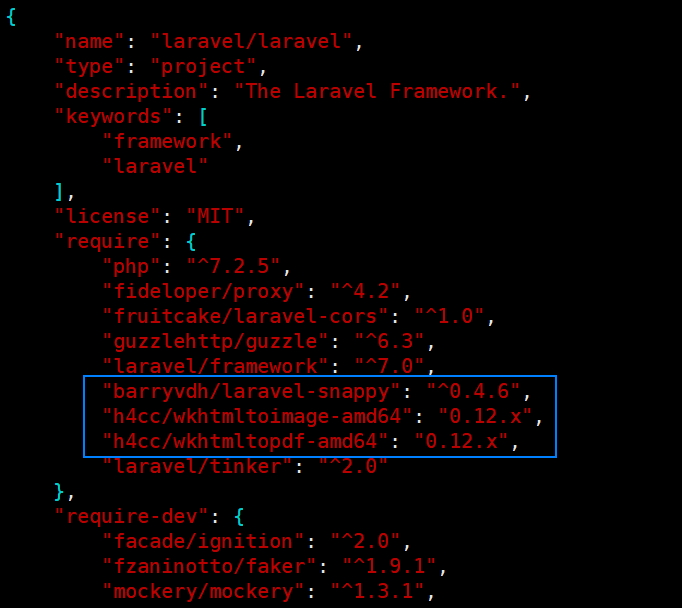
执行composer update
三、配置laravel-snappy 扩展包
打开config/app.php 将 Barryvdh\Snappy\ServiceProvider::class, 添加到 provider数组中
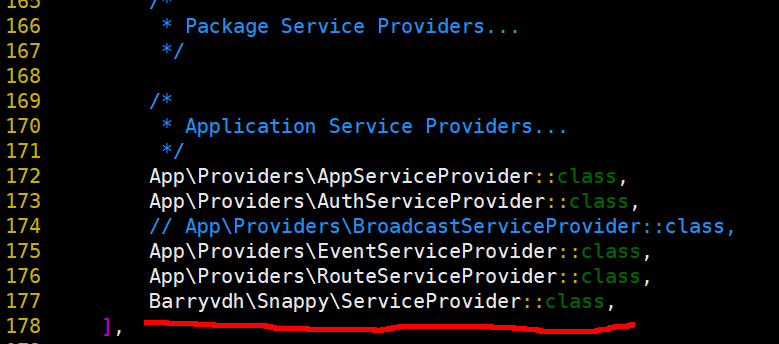
添加facade到config / app.php中的aliases数组中
'PDF' => Barryvdh\Snappy\Facades\SnappyPdf::class,
'SnappyImage' => Barryvdh\Snappy\Facades\SnappyImage::class,

四、通过pushlish 发布pdf配置
php artisan vendor:publish
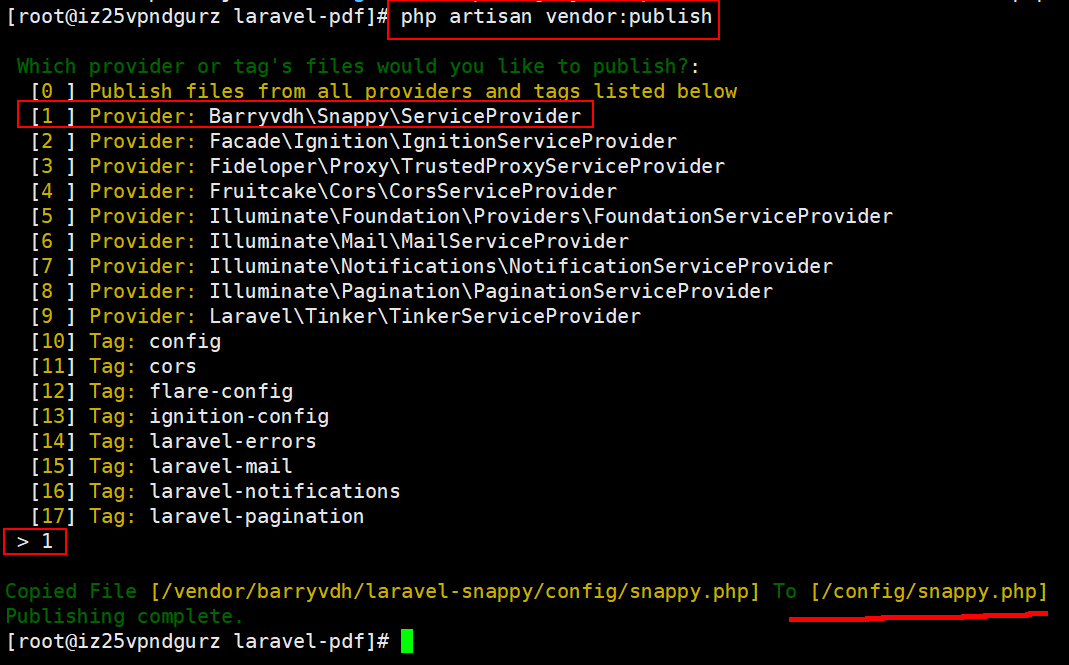
打开 /config/snappy.php 修改成如下配置:

     'pdf' => [
        'enabled' => true,
        'binary' => base_path('vendor' . DIRECTORY_SEPARATOR . 'h4cc' . DIRECTORY_SEPARATOR . 'wkhtmltopdf-amd64'
        . DIRECTORY_SEPARATOR . 'bin' . DIRECTORY_SEPARATOR . 'wkhtmltopdf-amd64'),
        'timeout' => false,
        'options' => [],
        'env'     => [],
    ],

    'image' => [
        'enabled' => true,
        'binary' => base_path('vendor' . DIRECTORY_SEPARATOR . 'h4cc' . DIRECTORY_SEPARATOR . 'wkhtmltoimage-amd64'
        . DIRECTORY_SEPARATOR . 'bin' . DIRECTORY_SEPARATOR . 'wkhtmltoimage-amd64'),
        'timeout' => false,
        'options' => [],
        'env'     => [],
    ],
五、生成pdf
为了方便,使用功能测试进行pdf文件生成:
1、首先创建PdfTest测试类
[root@iz25vpndgurz laravel-pdf]# php artisan make:test PdfTest
Test created successfully.
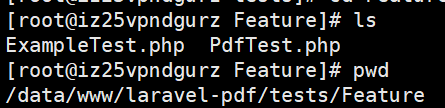
2、创建pdfCreate方法
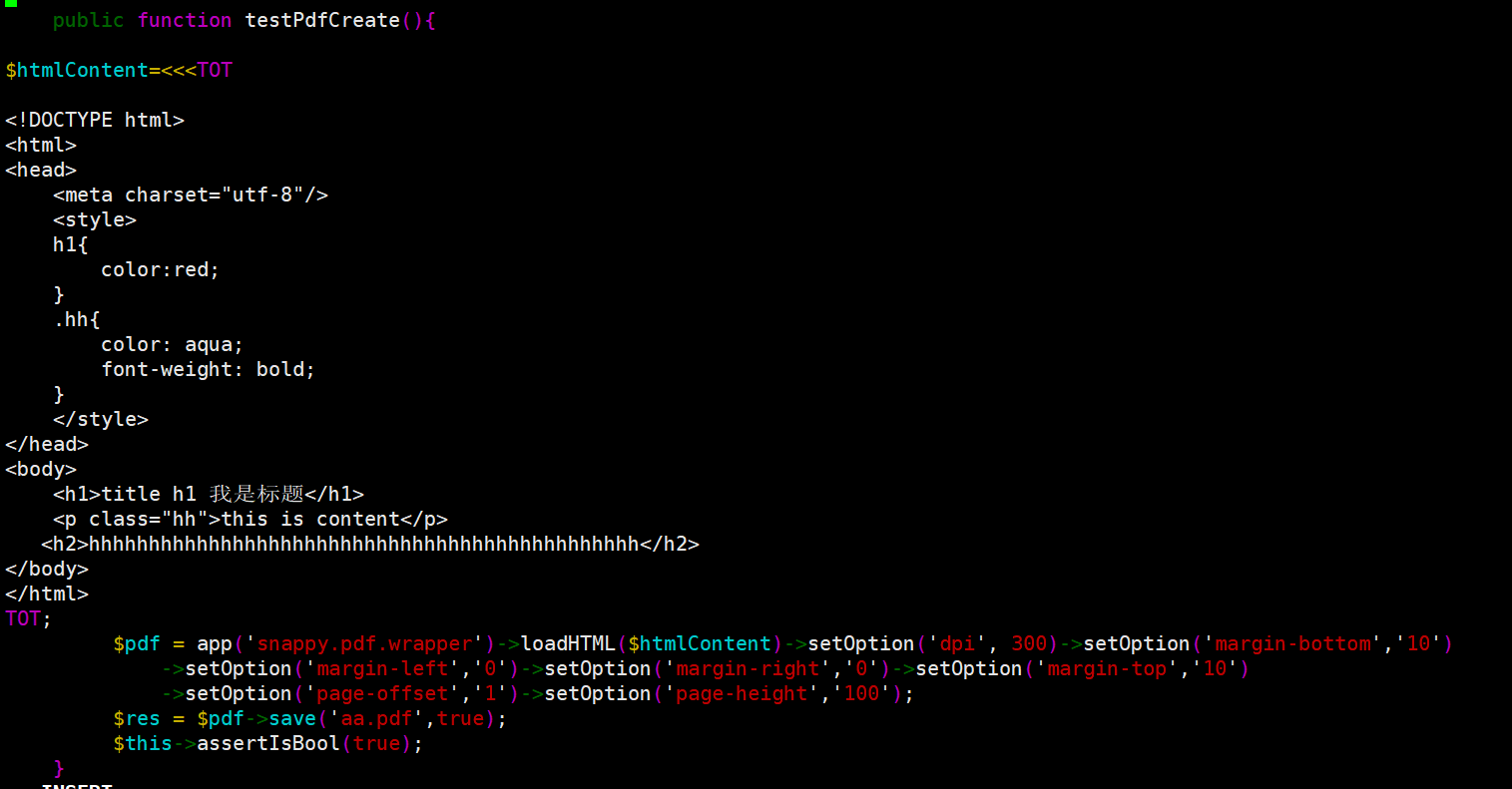
public function testPdfCreate(){

$htmlContent=<<<TOT

<!DOCTYPE html>
<html>
<head>
    <meta charset="utf-8"/>
    <style>
    h1{
        color:red;
    }
    .hh{
        color: aqua;
        font-weight: bold;
    }
    </style>
</head>
<body>
    <h1>title h1</h1>
    <p class="hh">this is content</p>
   <h2>hhhhhhhhhhhhhhhhhhhhhhhhhhhhhhhhhhhhhhhhhhhhhh</h2>
</body>
</html>
TOT;

         $pdf = app('snappy.pdf.wrapper')->loadHTML($htmlContent)->setOption('dpi', 300)->setOption('margin-bottom','10')
             ->setOption('margin-left','0')->setOption('margin-right','0')->setOption('margin-top','10')
             ->setOption('page-offset','1')->setOption('page-height','100');
         $res = $pdf->save('aa.pdf',true);
         $this->assertIsBool(true);
 }
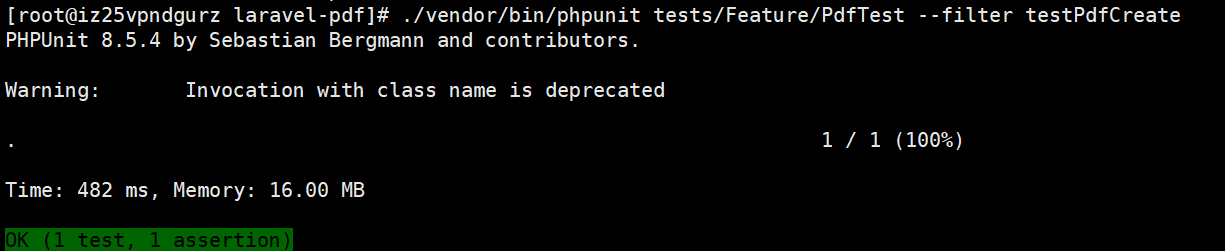
执行 PdfTest 中的 testPdfCreate方法
./vendor/bin/phpunit tests/Feature/PdfTest --filter testPdfCreate

sz aa.pdf 下载到本地

支持中文:
将字体文件上传至 /usr/share/fonts

./vendor/bin/phpunit tests/Feature/PdfTest --filter testPdfCreate
效果如图:

六、生成图片
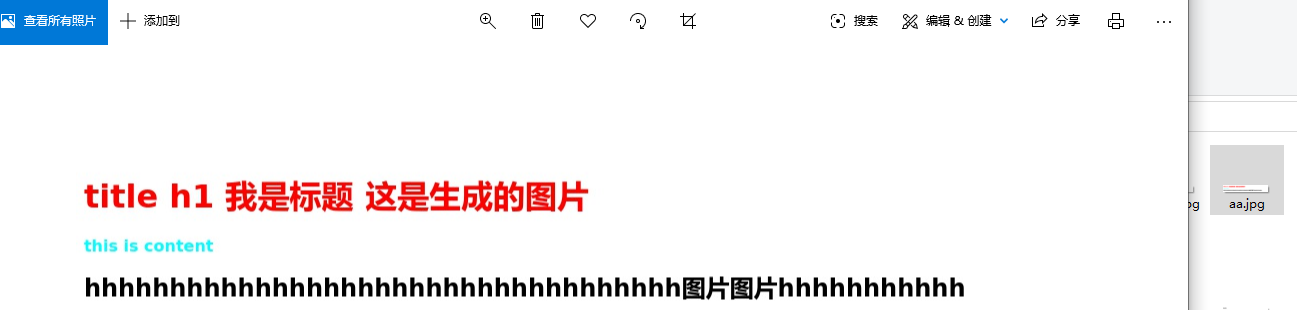
public function testImgCreate(){

$htmlContent=<<<TOT

<!DOCTYPE html>
<html>
<head>
    <meta charset="utf-8"/>
    <style>
    h1{
        color:red;
    }
    .hh{
        color: aqua;
        font-weight: bold;
    }
    </style>
</head>
<body>
    <h1>title h1 我是标题   这是生成的图片</h1>
    <p class="hh">this is content</p>
   <h2>hhhhhhhhhhhhhhhhhhhhhhhhhhhhhhhhhhh图片图片hhhhhhhhhhh</h2>
</body>
</html>
TOT;

         $pdf = app('snappy.image.wrapper')->loadHTML($htmlContent);
         $res = $pdf->save('aa.jpg',true);
         $this->assertIsBool(true);

    }
./vendor/bin/phpunit tests/Feature/PdfTest --filter testImgCreate


七、编写方法通过url形式生成pdf文件
使用接口的方式访问,返回生成对应pdf文件的路径
针对目录下的文件,开启脚本,对文件进行隔天删除,否则占用空间。
文件查找 推荐一个包: symfony/finder
我的博客另一篇文章:
安装 laravel-snappy 扩展包 生成pdf、图片文件
踩坑经验- 中文字体支持
http://www.xiaosongit.com/index/detail/id/865.html
pdf其他属性:
/**
 * -options: array:132 [
 * "collate" => null
 * "no-collate" => null
 * "cookie-jar" => null
 * "copies" => null
 * "dpi" => null
 * "extended-help" => null
 * "grayscale" => null
 * "help" => null
 * "htmldoc" => null
 * "ignore-load-errors" => null
 * "image-dpi" => null
 * "image-quality" => null
 * "license" => null
 * "log-level" => null
 * "lowquality" => true
 * "manpage" => null
 * "margin-bottom" => null
 * "margin-left" => null
 * "margin-right" => null
 * "margin-top" => null
 * "orientation" => null
 * "page-height" => null
 * "page-size" => null
 * "page-width" => null
 * "no-pdf-compression" => null
 * "quiet" => null
 * "read-args-from-stdin" => null
 * "readme" => null
 * "title" => null
 * "use-xserver" => null
 * "version" => null
 * "dump-default-toc-xsl" => null
 * "dump-outline" => null
 * "outline" => null
 * "no-outline" => null
 * "outline-depth" => null
 * "output-format" => null
 * "allow" => null
 * "background" => null
 * "no-background" => null
 * "bypass-proxy-for" => null
 * "cache-dir" => null
 * "checkbox-checked-svg" => null
 * "checkbox-svg" => null
 * "cookie" => null
 * "custom-header" => null
 * "custom-header-propagation" => null
 * "no-custom-header-propagation" => null
 * "debug-javascript" => null
 * "no-debug-javascript" => null
 * "default-header" => null
 * "encoding" => null
 * "disable-external-links" => null
 * "enable-external-links" => null
 * "disable-forms" => null
 * "enable-forms" => null
 * "images" => null
 * "no-images" => null
 * "disable-internal-links" => null
 * "enable-internal-links" => null
 * "disable-javascript" => null
 * "enable-javascript" => null
 * "javascript-delay" => null
 * "keep-relative-links" => null
 * "load-error-handling" => null
 * "load-media-error-handling" => null
 * "disable-local-file-access" => null
 * "enable-local-file-access" => null
 * "minimum-font-size" => null
 * "exclude-from-outline" => null
 * "include-in-outline" => null
 * "page-offset" => null
 * "password" => null
 * "disable-plugins" => null
 * "enable-plugins" => null
 * "post" => null
 * "post-file" => null
 * "print-media-type" => null
 * "no-print-media-type" => null
 * "proxy" => null
 * "proxy-hostname-lookup" => null
 * "radiobutton-checked-svg" => null
 * "radiobutton-svg" => null
 * "redirect-delay" => null
 * "resolve-relative-links" => null
 * "run-script" => null
 * "disable-smart-shrinking" => null
 * "enable-smart-shrinking" => null
 * "ssl-crt-path" => null
 * "ssl-key-password" => null
 * "ssl-key-path" => null
 * "stop-slow-scripts" => null
 * "no-stop-slow-scripts" => null
 * "disable-toc-back-links" => null
 * "enable-toc-back-links" => null
 * "user-style-sheet" => null
 * "username" => null
 * "viewport-size" => null
 * "window-status" => null
 * "zoom" => null
 * "footer-center" => null
 * "footer-font-name" => null
 * "footer-font-size" => null
 * "footer-html" => null
 * "footer-left" => null
 * "footer-line" => null
 * "no-footer-line" => null
 * "footer-right" => null
 * "footer-spacing" => null
 * "header-center" => null
 * "header-font-name" => null
 * "header-font-size" => null
 * "header-html" => null
 * "header-left" => null
 * "header-line" => null
 * "no-header-line" => null
 * "header-right" => null
 * "header-spacing" => null
 * "replace" => null
 * "cover" => null
 * "toc" => null
 * "disable-dotted-lines" => null
 * "toc-depth" => null
 * "toc-font-name" => null
 * "toc-l1-font-size" => null
 * "toc-header-text" => null
 * "toc-header-font-name" => null
 * "toc-header-font-size" => null
 * "toc-level-indentation" => null
 * "disable-toc-links" => null
 * "toc-text-size-shrink" => null
 * "xsl-style-sheet" => null
 */